





We use cookies to provide you with better user experience. Cookies settings can be controlled and configured in your web browser at any time.
By using the site you agree to us using cookies and also read privacy policy. To continue viewing and using the website click on “Continue”.
02
Aug 2026
Blog
How to Choose a High-Brightness Kiosk Display for Real-World Use
Kiosk failures are remarkably predictable. The screen becomes unreadable at noon, rain produces false touches, thick safety glass makes the interface unresponsive, or the enclosure survives outdoors while the display overheats inside.
These problems are rarely caused by one bad component. They happen when display, touch, enclosure, environment, computing and service are specified separately. The practical approach is to make the decisions in the order the system will experience them.
Quick answer: what must an outdoor kiosk specification include?
At minimum, define peak ambient light, touch behavior, IP and IK protection, worst-case internal temperature, and how the display and computer will be serviced. If any of these is left as “should be fine,” it is likely to become a field-maintenance cost later.
01
Peak ambient light
Orientation and the worst hour of the day, not a generic indoor/outdoor label.
02
Touch behavior
Cover-glass thickness, gloves and water rejection validated on the real stack.
03
IP and IK protection
Written explicitly as front-only or full-unit, including connectors and doors.
04
Internal temperature
Worst-case enclosure temperature, not the weather forecast.
05
Service access
How display, touch, power and compute are replaced or upgraded in the field.
Classify the light environment before choosing a size
| Installation | Starting brightness | Additional concern |
|---|---|---|
| Indoor mall | 400–700 nits | Control direct luminaire reflections |
| Atrium or near glazing | 700–1,000 nits | Check seasonal sun paths |
| Covered outdoor | 1,000–1,500 nits | Optical bonding is strongly recommended |
| Open outdoor, direct sun | Evaluate 2,000+ nits | Add bonding, UV/IR treatment and thermal control |
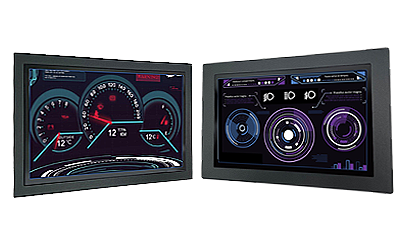
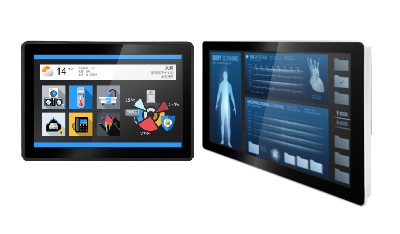
Litemax Ubipixel provides industrial high-brightness options for indoor and covered self-service systems. Fully exposed outdoor positions should also be evaluated against Durapixel sunlight-readable products. Do not treat indoor and outdoor as two simple boxes; orientation and the worst hour of the day matter more.
Match display size to the interaction
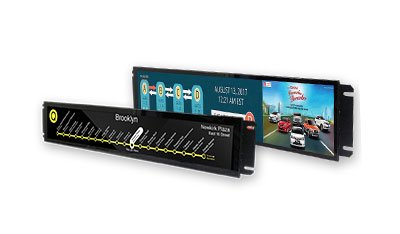
Ticketing, check-in and payment kiosks typically prioritize reach, input accuracy and clear task steps. Wayfinding and browsing systems need more visual area. Displays from 15 to 24 inches are common for transactional systems, while 32 to 55 inches work well for navigation and content exploration. A stretched or resized LCD can fit a narrow enclosure without hiding most of a standard 16:9 panel.
Review wheelchair sightlines, payment-module placement, scanner angle and the direction of the service door at the same time. A high-spec display still creates a poor product if the interactive area is too high or blocked by the bezel.
P-Cap is common, but ask two practical questions
Projected capacitive touch supports multi-touch, has no flexible top layer to wear out, and can be optically bonded to cover glass and the LCD. It is the mainstream choice for modern kiosks. The real questions are: how much cover-glass thickness can the controller tolerate, and how does its firmware reject droplets, water films and glove noise?
- Thick vandal-resistant glass requires controller tuning for the actual stack.
- Rain, cleaning fluid and condensation require validated water-rejection behavior.
- Heavy non-conductive gloves or precise stylus input may justify resistive touch or another input method.
Clarify exactly what IP and IK ratings protect
IP covers dust and water; IK covers impact. A frequent mistake is to accept an IP65 panel as proof that the complete kiosk can withstand weather. Many products are IP65 at the front only, while the rear enclosure, connectors and service door remain the system integrator’s responsibility. Public unattended equipment may also need IK10 glass and an enclosure that supports it.
Calculate worst-case temperature and service cost together
A dark sealed enclosure in sunlight can run far above the weather forecast. Specify panel temperature range, sensing, airflow, fans or heaters against the internal condition. Then design for service: the cost of a truck roll and kiosk downtime can exceed the display price, so front or rear replacement paths for the screen, touch layer, power supply and computer matter.
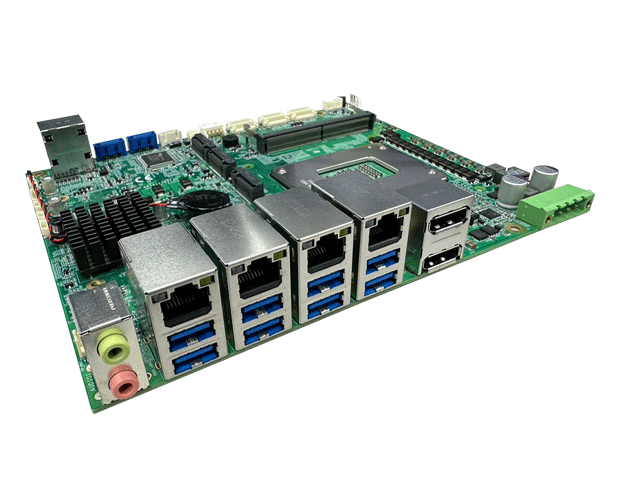
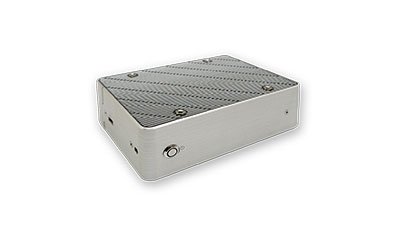
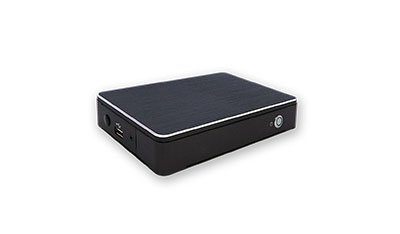
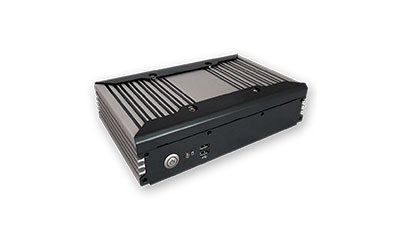
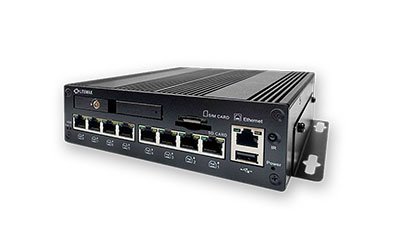
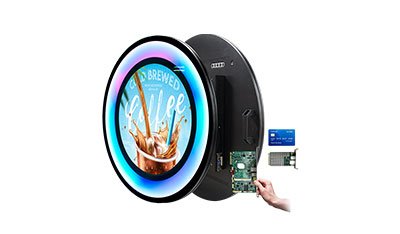
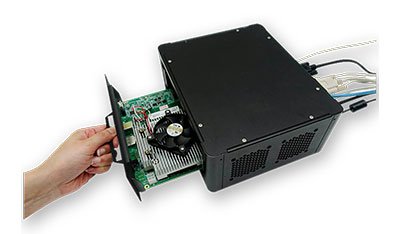
Compute can live in an external Box PC, an integrated Panel PC or a replaceable module. Litemax’s POS/KIOSK portfolio includes an Intel Smart Kiosk Module concept that separates compute from the peripheral interface, supporting upgrades without replacing the complete display assembly.
Kiosk selection checklist
1
Peak light, direct-sun hours and display orientation are documented.
2
Size, viewing distance, accessible reach and payment/scanner workflow are checked.
3
Glass thickness, glove use and wet-touch validation are defined.
4
IP coverage and required IK class are written explicitly.
5
The display and cooling are selected for internal enclosure temperature.
6
Replacement access, spare strategy and compute upgrade path are planned.
Frequently asked questions
How bright should a kiosk under a canopy be?
A practical starting range is 1,000–1,500 nits, but sun angle, text size and cover-glass reflection can move the requirement higher.
Does IP65 mean the whole kiosk can be rained on?
Not automatically. Confirm whether the rating applies to the front bezel or the entire unit, including connectors and service openings.
Does every self-service kiosk need a touchscreen?
No. Wayfinding and advertising can hand interaction to a phone through QR. Payment and check-in workflows usually still need direct input.
Can a commercial television replace an industrial kiosk display?
It may fit physically, but duty cycle, temperature, optical construction, touch integration, supply longevity and service access are usually different.
Specify from the installation backward
For a useful quotation, provide the enclosure drawing, display orientation, ambient light, touch requirements, cover-glass thickness, temperature range and expected duty cycle together. Litemax can then narrow the choice across Ubipixel, Durapixel, Panel PC and modular-compute options as one integrated system.
Send your kiosk requirements to LitemaxReferences / internal links: Litemax Ubipixel Series • Litemax POS/KIOSK Solution • Litemax Self-Service Systems
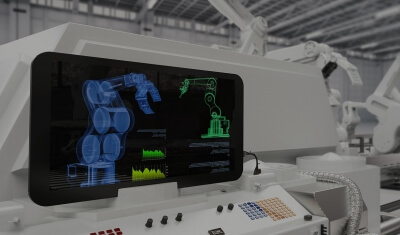
Application illustration | Confirm final appearance and specifications on the Litemax product page and datasheet.